Journal
Initial Front-End Web Development
This outlines the preliminary website design, build, and deployment workflow for the Wild Grove website
Logo
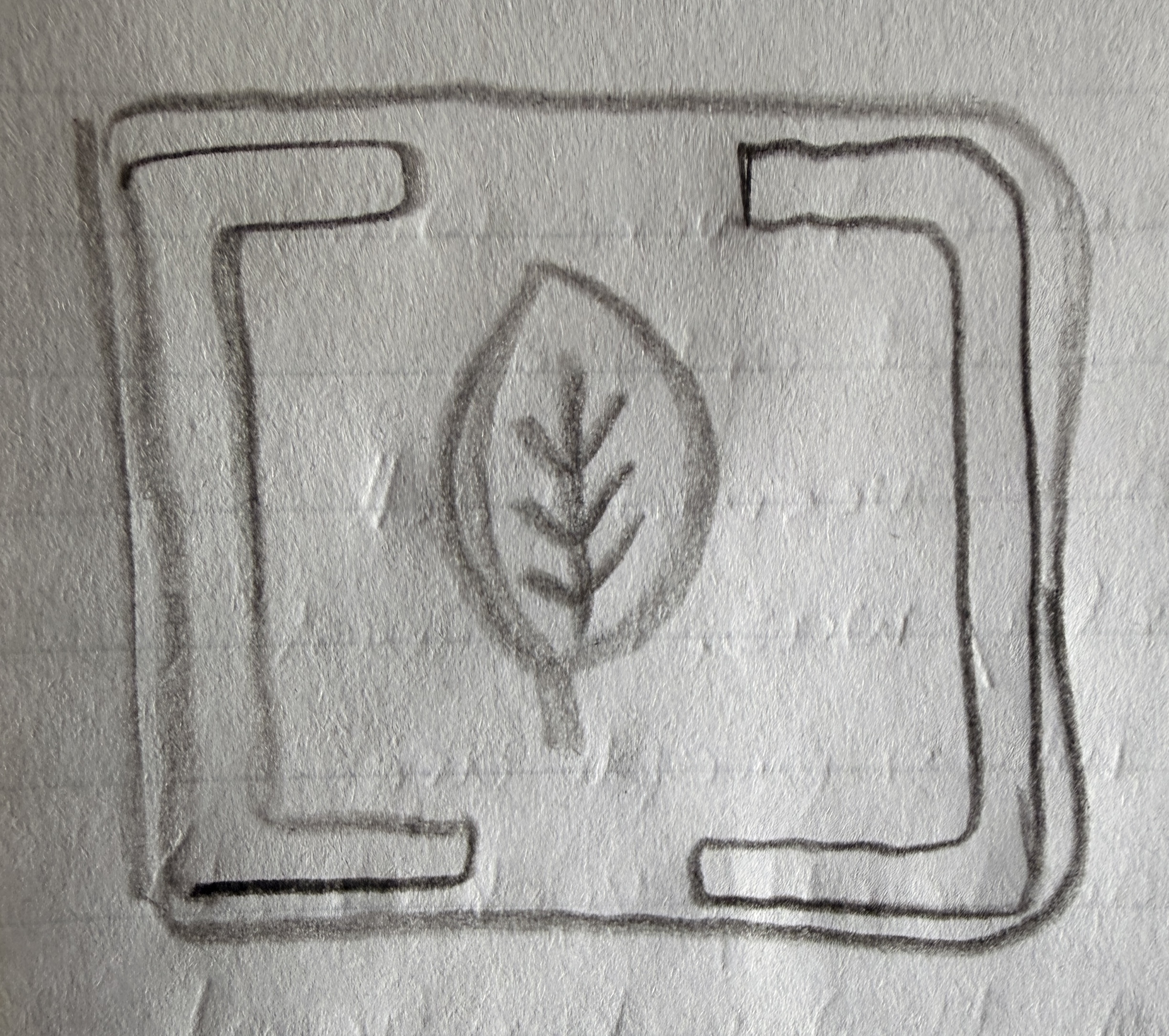
I had to get it out of my head, so the first thing done was the logo design. I had this idea of a “bracketed” leaf with little nodes on the end of the veins swimming around in my head for a long time now. After playing around with the free version of Figma for a little bit (which intuitively felt like the AutoCAD software we used in high school), it was easy enough to finally get what was in my head onto a screen!

Front-End
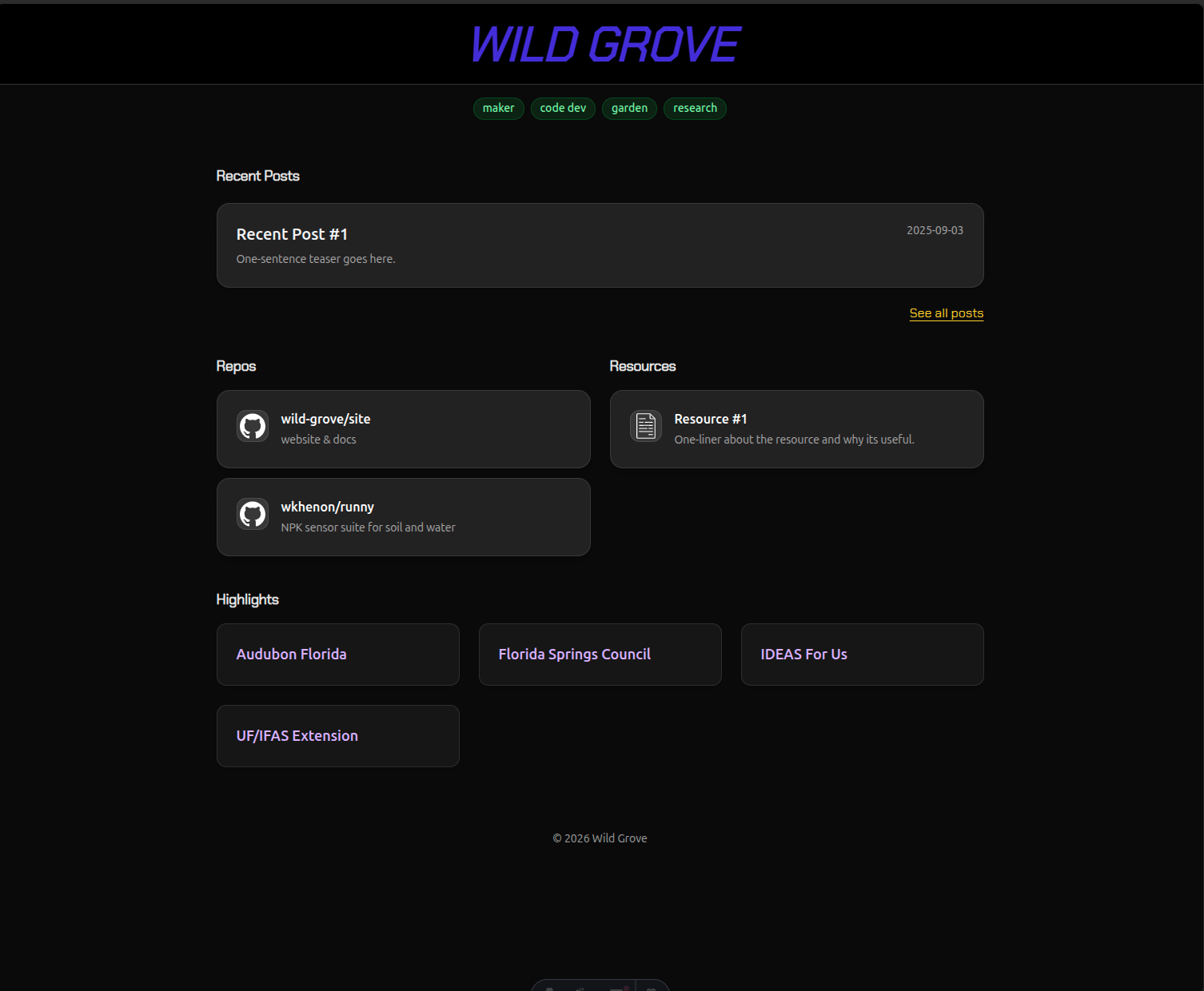
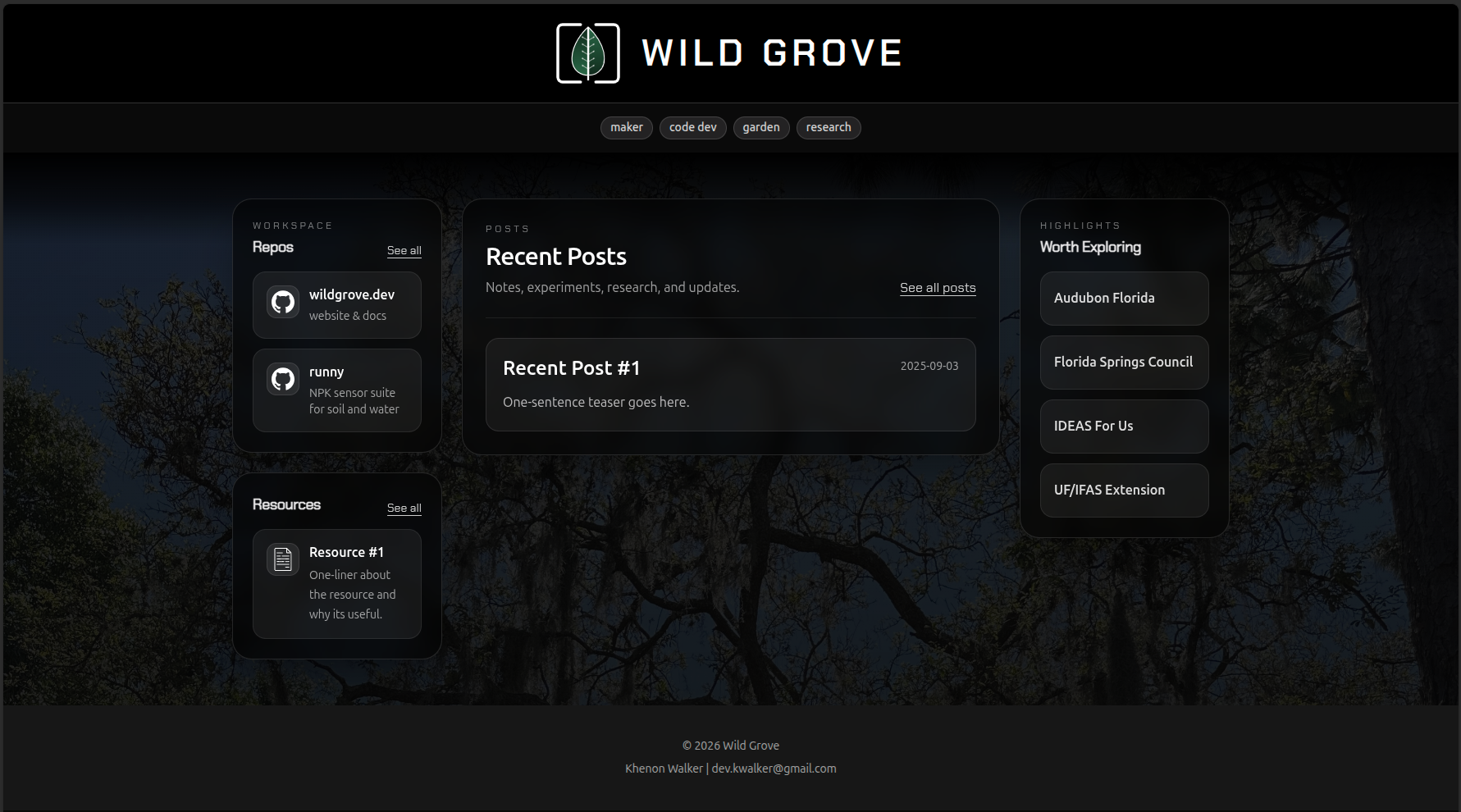
Next came the website. A while ago, I had created a very bare (and barely functional) static web page utilizing Astro and a template that was provided. I was very unfamiliar with JavaScript and CSS coming from an embedded background, but after reading through some documentation and leveraging a few prompts with OpenAI’s Codex, I was able to get the website into a spot that I was happy with; a three column, blog-style site with the appropriate sections for everything I want to include / document for Wild Grove. I also abstracted the assets (images, background, icons, etc.) and content (posts, site metadata, etc.) to their own submodules so that this site could be used as a template in the future.
Build
With the website and logo in place, I created a GitHub action for CI (Continuous Integration) that’ll automatically set up Node.js, install the required dependencies, and build the site on every push to the main branch. The next step was setting up Docker Compose on my local machine to containerize the site image; this allows me to simulate what a production-style build and workflow would look like, as well as set up initial hooks for a database / API / Home Assistant instance / etc at a later date. With a minimally viable Dockerfile and compose.yml, I successfully built the site, can view the running container in Docker Desktop, and am able to access it from localhost:8080.
Deployment
In order to avoid the intricacies of deploying a website on AWS / self-hosting, I went with Cloudflare Pages; this is a mostly static site (at least for the time-being) with a domain registered under Cloudflare so this decision made the most sense. Cloudflare Pages can build directly from the GitHub repository, serve the generated static output, and handle the custom domain without needing a separate server to manage. And with that, https://www.wildgrove.dev is up and running!
Things that were read
- Add a font to Figma
- Layouts (Astro)
- Styles and CSS (Astro)
- How Compose works (Docker)
- Astro Integration (Cloudflare)